 iOS · Coming soon to the App Store
Remember your spots.
See your progress.
Tap the body map where your shot went, and Dose Dot keeps your last four sites in view. Set one reminder on your own timing, see your supply at a glance, and turn your weigh-ins into a chart colored by the dose you were on — the kind you’d actually share. It records what you tell it and never tells you where to inject.
 Shots
Shots
 Weight
What Dose Dot does
Your last four sites, on a body
Tap where the shot went — front or back — and Dose Dot keeps the exact spots of your four most recent shots visible, newest largest. A small badge tells you when there are dots on the other side. That’s your rotation history, without a chart to decode.
Logging takes one tap
Tap the body on the main screen and the log opens with that spot already chosen. Add the medicine and dose from a built-in list or type your own; the app remembers your usual for next time. There’s a choose-by-name list too, for VoiceOver or when you’d rather not aim.
One reminder, on your timing
Pick any interval from 1 to 14 days and a preferred time of day. Dose Dot counts from your latest log and shows the next reminder plainly. Tap the date to move one reminder to a different day. Nothing is ever labeled late, missed, or overdue.
Refills at a glance
Your supply shows as vials, your refills as boxes. When a new box arrives, one tap adds it. Log a shot with an empty shelf and Dose Dot assumes you opened a new box. Turn on the refill reminder and it tells you when it’s time to call for a refill.
A weight chart made to share
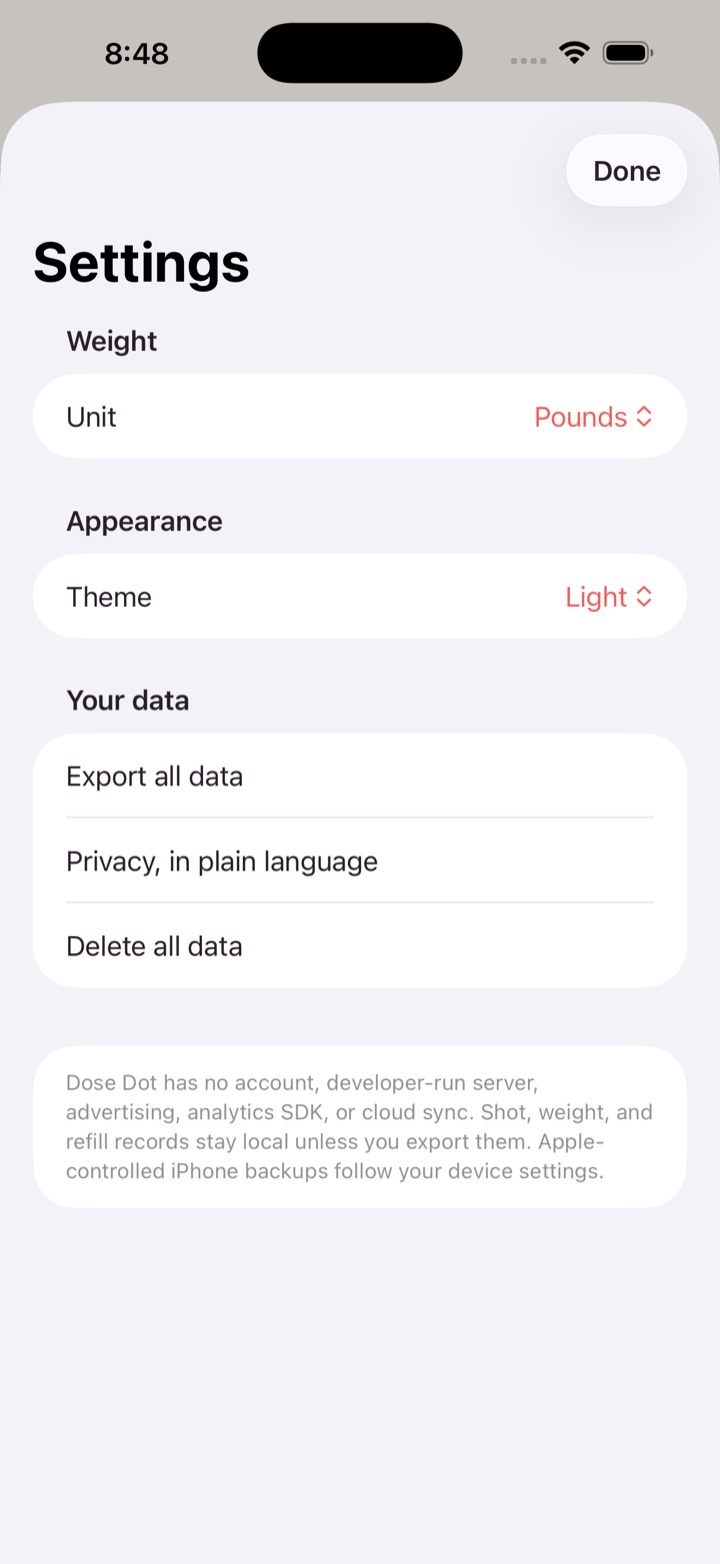
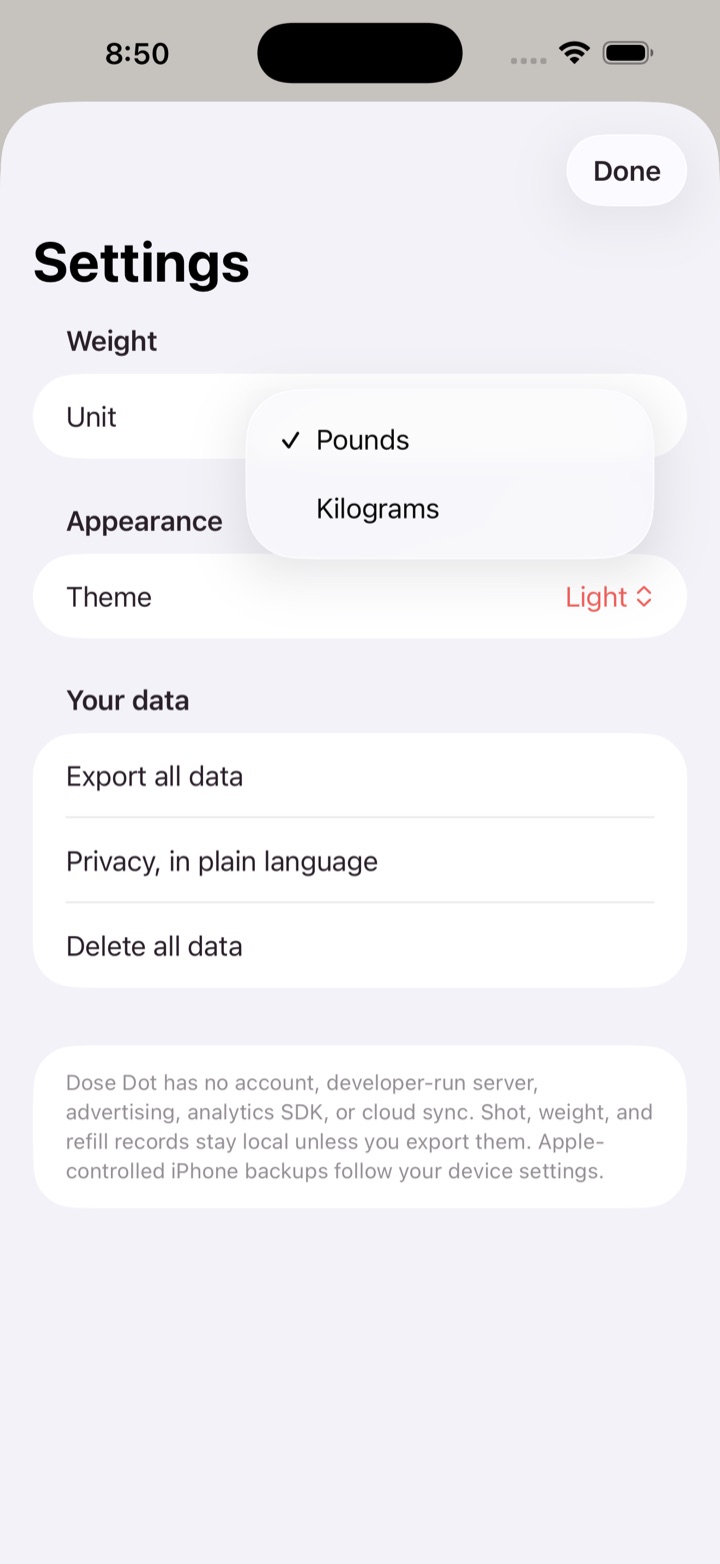
Weigh in when you like, in pounds or kilograms. The chart colors each stretch by the medicine and dose you were on, with a ribbon along the floor showing when each began. Drag across it to read any day. Share it as a feed or story image, copy it to the clipboard, or export a PDF or CSV.
Bring your history with you
Switching from Shotsy? Import its JSON or CSV export and your shots, sites, doses, and weigh-ins come along. Dose Dot also writes and reads its own backup file, so moving to a new phone is one export and one import.
It records. It never advises.
Dose Dot never suggests where to inject next, what dose to take, or when. The medicine and dose you log are labels on your own history — not instructions, not validation, not a plan. Questions about your prescription belong with your prescriber.
Every feature free
There is no subscription, no unlock, and no paid tier. Dose Dot is the whole app, for everyone, on the day it ships.
Private, by architecture
No account, no login, no email address. Dose Dot has no network connection of its own — it never uploads, syncs, or phones home. Your shots, body locations, weight, and refills stay in the app’s container on your iPhone and leave only when you export, share, or copy them yourself. Read the Dose Dot Privacy Policy for the full detail.
What Dose Dot is not
Dose Dot is a personal record, not medical advice. It is not a medical device, it doesn’t diagnose anything, and it is not a substitute for a clinician. It never recommends a dose, a medicine, an injection site, or a treatment schedule, and it never tells you whether a medication is working. If something in your body worries you, please talk to a healthcare professional.
Where to get it
Dose Dot is coming to the App Store, free, with every feature included. This page will carry the link the day it’s live.
What you need
- An iPhone running iOS 17 or later.
- Nothing else. No Apple Watch, no Apple Health access, no account.
- Notification permission only if you turn on a reminder; the app works without it.
Questions? See the Dose Dot support page or email [email protected].