 iOS · Coming soon to the App Store
See how today looks.
And what to do about it.
Each day gets a color and a number from 1 to 10, built on your phone from how you feel, the symptoms you log and, if you connect Apple Health, your sleep, heart rate variability and resting heart rate against your own usual. One short read says it in plain words, and one move for today sits beside it.
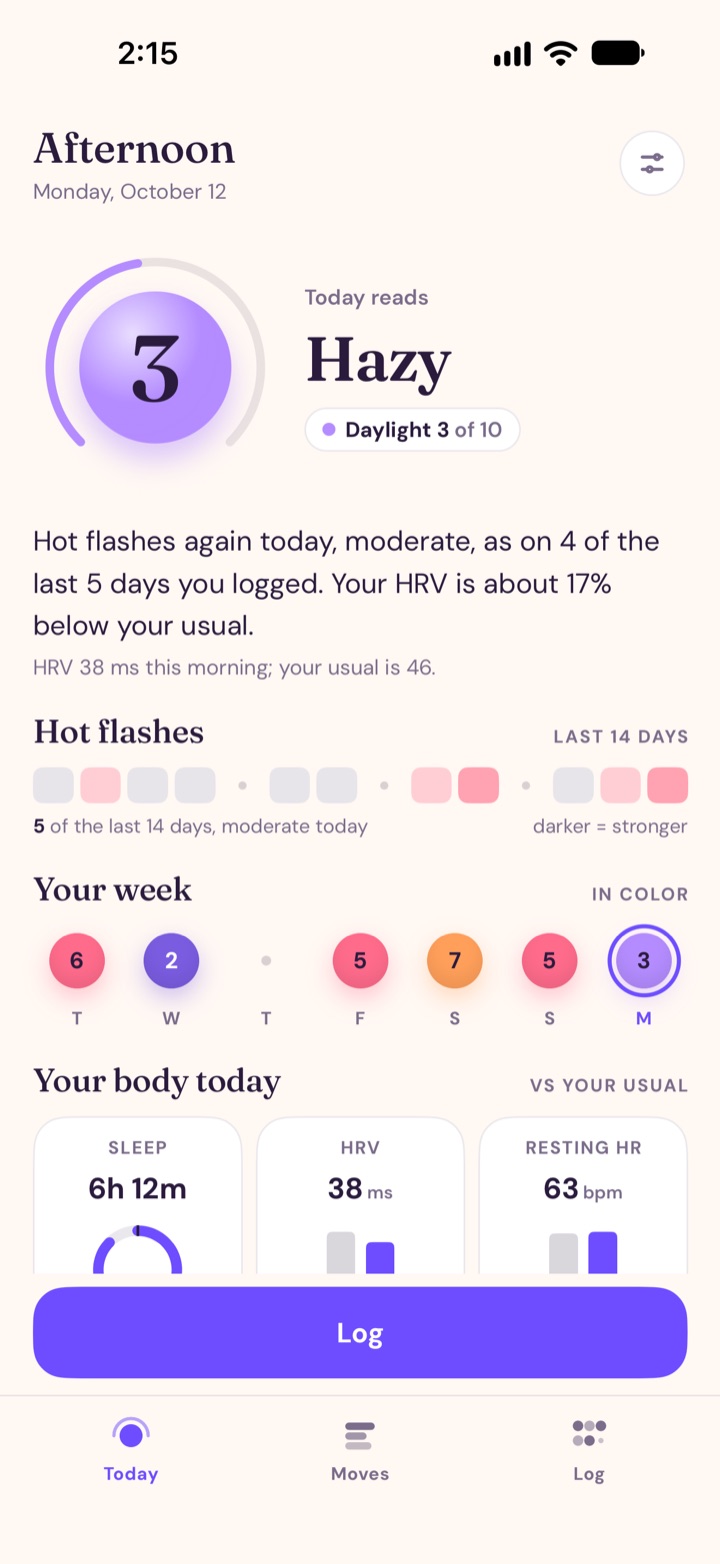 Today
Today
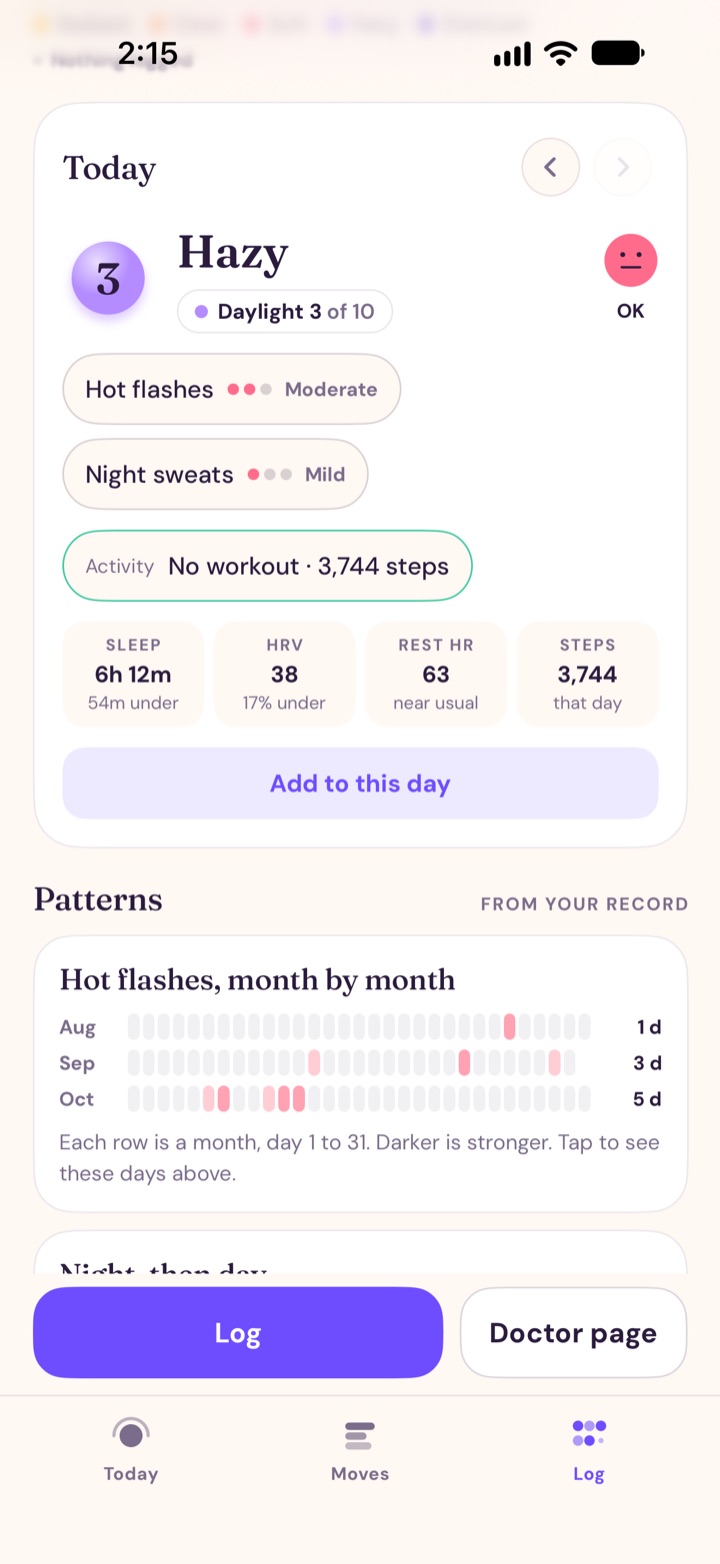 Log
Log
What PeriPro does
A color and a number for each day
Each day gets a color and a number from 1 to 10, from how you feel, your symptoms and, with Apple Health, your sleep, HRV and resting heart rate against your own usual. One short read says what’s behind it.
Log in three taps
How you feel, the symptoms that showed up, and bleeding or a note if you like. Your own recent symptoms come first. An earlier day is logged from its day card on the Log tab.
Your week and your days
Your week sits on Today, each day in its color with its number inside. The Log tab shows every day as a ribbon of weeks, with lenses for color, each of your symptoms, bleeding and activity.
Patterns from your record
Month by month, night then day, bleeding runs, movement. Patterns appear once your record holds them.
One page for your doctor
A one-page record of what you logged over the last one, three or six months, as a PDF or a spreadsheet, sent through the share sheet wherever you choose. It carries no per-day numbers.
One move for today
One small idea for today, with the weather on it. The weather line asks for your location once, and Moves works without it.
Private by design
No account and no login. What you record stays on your phone, and your phone’s backup includes it if that’s on. Apple Health is optional and read on the phone.
A morning reminder, if you want one
Off by default. PeriPro offers a morning check-in once, after your third log. It is a local notification, scheduled on your phone.
Private, by design
No account, no server, no analytics. What you record stays in PeriPro’s own database on your iPhone, and your phone’s backup includes it if that backup is on. Apple Health is optional: PeriPro reads it on the phone and writes back one thing, menstrual flow, when you log bleeding. The weather line sends an approximate location to Apple’s WeatherKit once per fetch, and PeriPro doesn’t store it. The doctor page and your backup leave only when you share them. Read the PeriPro Privacy Policy for the full detail.
What PeriPro is not
PeriPro describes what you record. It is not a medical device, and it does not diagnose, treat, predict or prevent any condition. Nothing in PeriPro is medical advice; talk with a clinician about what you see.
Where to get it
PeriPro is coming to the App Store. This page will carry the link the day it’s live.
What you need
- An iPhone running iOS 26 or later.
- No account.
- Apple Health only if you want it; connect it from Today or Settings.
Questions? See the PeriPro support page or email [email protected].